Automating with Tasker
Use Tasker on Android to check in from a home screen widget, check in automatically by location or Wi-Fi, and log quick notes.
On iPhone? See the Shortcuts guide.
Before you start
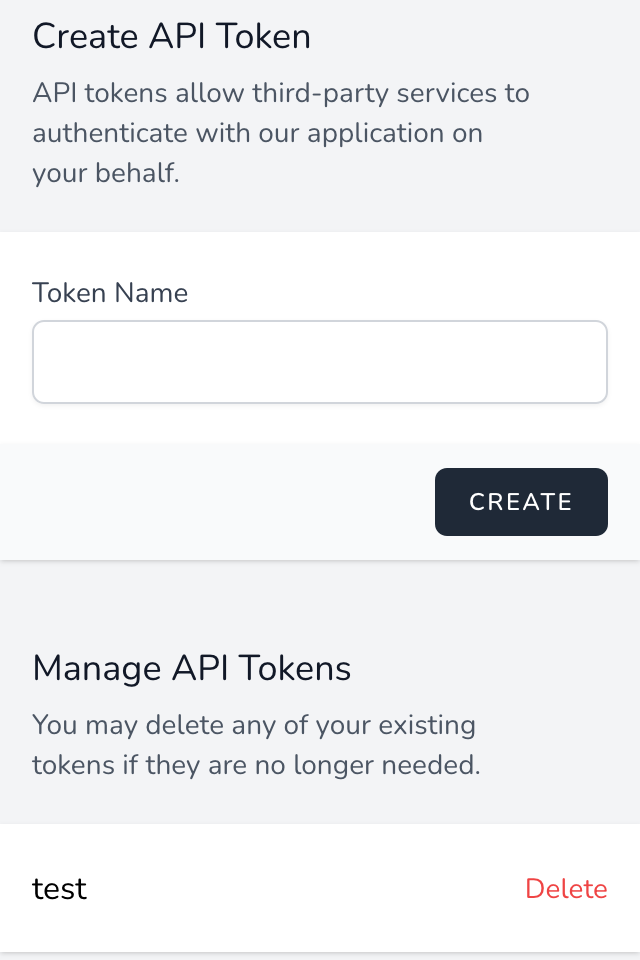
Every example talks to the When and What API, so you'll need an API token first.
1. "Check in here" task
A task that grabs your current location and sends it to When and What. Run it from a home screen widget or a Quick Settings tile.
%gl_latitude and %gl_longitude.Method: POST
URL: https://whenandwhat.app/api/locations/checkins/pending
Headers: Authorization:Bearer YOUR_TOKEN
Accept:application/json
Content-Type:application/json
Body: {"latitude": %gl_latitude, "longitude": %gl_longitude}
Tip: If a check-in doesn't appear, run
the task from inside Tasker and check %http_response_code — 201
means success, 401 means the token is wrong, and 422 means the
body is missing a field.
2. Check in automatically by place or Wi-Fi
Attach the task to a profile so it runs on its own whenever you arrive at the gym, the office or anywhere else you go regularly.
{"latitude": %gl_latitude, "longitude": %gl_longitude, "name": "Gym"}
Tip: Make sure Tasker is excluded from battery optimisation (Settings › Apps › Tasker › Battery › Unrestricted), otherwise Android may stop profiles from firing in the background.